

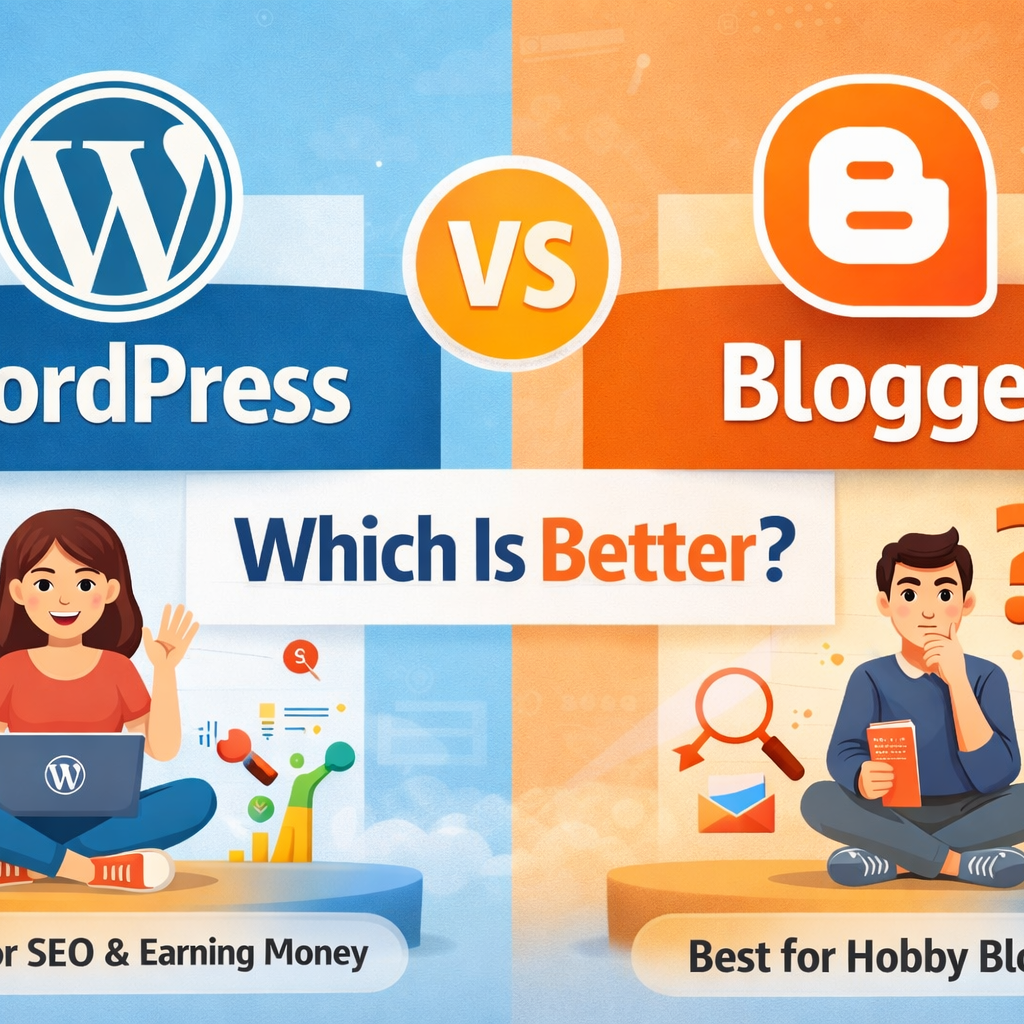
WordPress vs Blogger – Which Is Better for Beginners?
If you want to start a blog, one common question is:WordPress vs Blogger – which is better? Both platforms are popular and beginner-friendly, but they are different in features, control, and growth.In this article, I’ll explain the difference between WordPress and Blogger in simple words, so you can choose the right one for your blog. If you are completely new to blogging, read our detailed guide on How to Start a Blog Using WordPress before choosing the right platform. What Is WordPress? WordPress is a powerful website and blogging platform.It allows you to create blogs, business websites, and even online stores. There are two types: WordPress.org (self-hosted – recommended) WordPress.com (hosted) For serious blogging and SEO, WordPress.org is best. WordPress is the best choice for beginners who want long-term growth. Learn the complete process in our guide How to Start a Blog Using WordPress – Step-by-Step What Is Blogger? Blogger is a free blogging platform owned by Google.It is very easy to use and suitable for beginners who want to blog as a hobby. You don’t need to buy hosting because Google provides it for free. WordPress vs Blogger: Quick Comparison Feature WordPress Blogger Ownership You own your website Google owns the platform Hosting Paid hosting needed Free hosting Customization Unlimited Limited SEO Very powerful Basic Plugins Thousands available Not available Monetization Full control Limited Best for Long-term & professional blogs Hobby blogs Ease of Use – Which Is Easier? Blogger is easier for complete beginners WordPress has a small learning curve but is still easy If you can use a smartphone, you can learn WordPress easily. Design & Customization WordPress Thousands of free & paid themes You can fully customize your site Suitable for personal branding & business Blogger Very few themes Limited customization Looks basic ✅ Winner: WordPress SEO Comparison (Very Important) WordPress SEO SEO plugins like Rank Math & Yoast Full control over URLs Better speed optimization Easy internal linking Blogger SEO Basic SEO features Limited optimization options Harder to rank for competitive keywords ✅ Winner: WordPress (Best for Google ranking) Monetization & Income Options WordPress You can earn using: Google AdSense Affiliate marketing Freelancing Courses & services Blogger Mostly AdSense Limited monetization options If you want serious income, WordPress is better. Security & Control WordPress: You control backups, security, and data Blogger: Google controls everything If Google closes Blogger in future, your blog may be affected. Cost Comparison Platform Cost Blogger Free WordPress ₹2,000 – ₹4,000 per year (domain + hosting) 💡 WordPress is an investment, not an expense. WordPress vs Blogger – Which Is Better for You? Choose Blogger if: You want free blogging Blogging is just a hobby You don’t care much about growth Choose WordPress if: You want to build a career You want traffic from Google You plan to earn money You want full control Final Verdict WordPress is better than Blogger for: SEO Professional blogging Freelancing Long-term success If you are serious about blogging, WordPress is the best choice.
How to Start a Blog Using WordPress – Step-by-Step Guide for Beginners
Starting a blog is one of the best ways to share your knowledge, build an online presence, and earn money online.In this guide, you will learn how to start a blog using WordPress, explained in simple and easy language. Even if you are a beginner, don’t worry — you can start today 👍 What Is a Blog? A blog is a website where you regularly publish content (articles) on a specific topic such as: Digital marketing Education Cooking Parenting Technology Personal experiences Blogs help you: Share knowledge Build trust Get website traffic Earn money through ads and freelancing Why Choose WordPress for Blogging? WordPress is the most popular blogging platform in the world. Benefits of WordPress: Easy to use (no coding needed) Free and open-source SEO-friendly Thousands of themes and plugins Perfect for beginners 👉 More than 40% of websites use WordPress Step 1: Choose a Blog Topic (Niche) Before starting, decide what your blog is about. Choose a niche you: Like or enjoy Have some knowledge about Can write regularly Example blog niches: Digital Marketing Online Jobs Education & Learning Parenting & Kids Health & Lifestyle 📌 Tip: Don’t choose too many topics. Focus on one main niche. Step 2: Buy a Domain Name & Hosting To start a WordPress blog, you need: Domain name – Your website name (example teletech24.com) Hosting – Space where your website files are stored Popular hosting providers: Bluehost Hostinger SiteGround Most hosting companies provide: Free domain One-click WordPress installation Step 3: Install WordPress After buying hosting: Login to your hosting account Find “Install WordPress” Click install Set username and password That’s it! Your WordPress website is ready. Step 4: Choose a WordPress Theme A theme controls how your blog looks. Good beginner themes: Astra GeneratePress Kadence OceanWP How to install a theme: Go to WordPress Dashboard Click Appearance → Themes → Add New Search theme name Click Install → Activate 📌 Choose a simple and fast theme for SEO. Step 5: Install Important Plugins Plugins add extra features to your blog. Must-have WordPress plugins: Yoast SEO / Rank Math – for SEO WPForms – contact form WP Rocket / LiteSpeed Cache – speed UpdraftPlus – backup Akismet – spam protection 📌 Don’t install too many plugins — it slows your site. Step 6: Create Important Pages Every blog should have these pages: About Us Contact Us Privacy Policy Disclaimer These pages build trust and Google approval. Step 7: Write Your First Blog Post Now comes the main part — content writing. How to write a blog post: Go to Posts → Add New Write a clear title Use headings (H2, H3) Write short paragraphs Use simple English Example first blog topics: What Is Digital Marketing? How I Started My Blogging Journey Beginner’s Guide to SEO Step 8: Do Basic SEO for Your Blog SEO helps your blog rank on Google. Basic SEO tips: Use keywords in title and headings Write helpful content Add internal links Use images with alt text Write meta title & description 📌 Install Rank Math or Yoast SEO for easy optimization. Step 9: Publish & Share Your Blog After writing: Preview your post Click Publish Share your blog on: WhatsApp Facebook LinkedIn Instagram This helps you get initial traffic. Step 10: Be Consistent Blogging is not a one-day job. For success: Post at least 2–3 blogs per week Focus on SEO Be patient Keep learning 📌 Results may take 3–6 months, but they are long-term. Final Thoughts Starting a blog using WordPress is easy, affordable, and powerful.With the right topic, consistent effort, and SEO, you can build a successful blog. If you are a beginner, homemaker, or career restarter, blogging is a great option 💻✨ Focus Keyword:
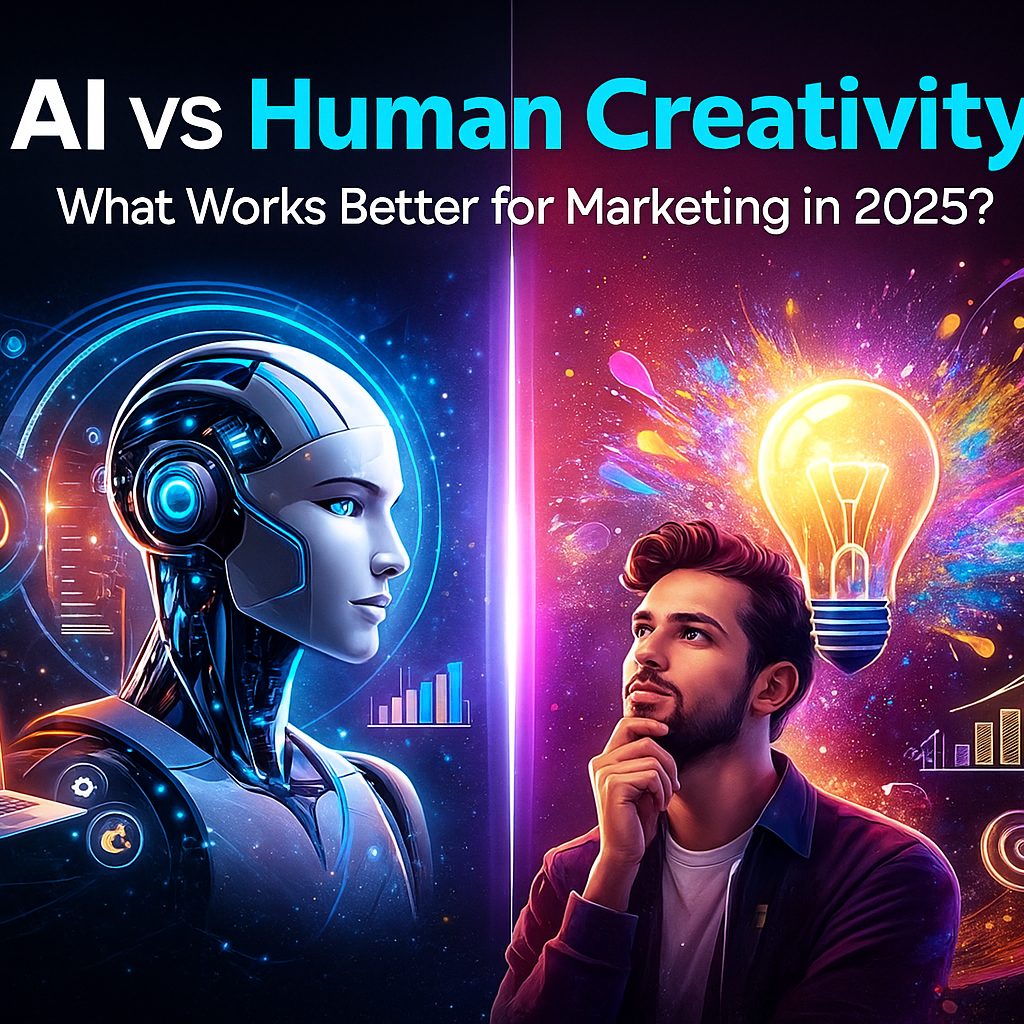
AI vs Human Creativity: What Works Better for Marketing?
In 2025, the marketing world stands at a turning point.Brands are now asking a big question:“Should we use AI or human creativity — or both — to grow faster?” Today, AI tools can write content, create images, analyze data, and even predict trends.But human creativity brings emotion, storytelling, authenticity, and originality — things AI still cannot fully replicate. 1. AI in Marketing: What It Does Best AI has become the most powerful marketing tool in 2025. It helps brands work faster, smarter, and at lower cost. ✔ AI Strengths Speed – AI creates blogs, videos, captions, and designs in seconds. Data Analysis – AI studies large data sets and predicts customer behavior. Personalization – AI can deliver tailor-made content to each user. Consistency – Produces content regularly without fatigue. Cost-Effective – Reduces expenses for startups and small businesses. Where AI Works Best SEO content writing Social media scheduling Email marketing automation Ad targeting & optimization Trend analysis A/B testing Customer support (chatbots) AI is perfect for tasks that require speed, data, and automation. 2. Human Creativity: What People Still Do Better No matter how advanced AI becomes, human creativity is irreplaceable in several areas. ✔ Human Strengths Emotions & Empathy – Humans understand feelings, struggles, dreams. Original Ideas – Humans can think beyond patterns AI has learned. Storytelling – Humans connect with audiences using life and experiences. Brand Voice – Humans create personality and unique brand identity. Cultural Understanding – Humans know what is meaningful in society. Where Humans Work Best Branding strategies Creative campaigns Video storytelling Scripting commercials Writing emotional content Building customer relationships Problem-solving during unexpected challenges Human creativity drives emotional connection and brand loyalty. 3. AI vs Human: Key Differences Feature AI Strength Human Strength Speed Creates content instantly Slower but thoughtful Creativity Pattern-based creativity Original, emotional creativity Data Use Deep data analysis Limited compared to AI Emotion Lacks personal experiences Strong emotional expression Cost Cost-effective Requires budget Brand Voice Sometimes generic Unique and personalized 4. Which One Works Better for Marketing in 2025? The truth is: Neither AI nor humans alone can win. The best results come from blending both. Why the Combination Works AI gives speed + data Humans give creativity + emotionTogether, they produce powerful marketing outputs. Examples ✔ AI generates 10 blog outlines → Human polishes and adds personality✔ AI analyzes customer behavior → Human creates a creative campaign✔ AI makes images → Human adds emotional storytelling✔ AI suggests keywords → Human uses creativity to write unique content The combination is called: Human-AI Collaborative Marketing (HACM) … and it is the biggest trend in 2025. 5. Real-World Examples 1. Nike Uses AI for data but human designers for emotional storytelling. 2. Netflix AI predicts what viewers like, but human writers create powerful stories. 3. Small Businesses Use AI for content creation, but humans add authenticity to connect with local audiences. 6. When to Use AI & When to Use Humans ✔ Use AI for: Keyword research Automated emails Blog drafts Editing and grammar Social media ideas Market predictions ✔ Use Human Creativity for: Branding Emotional storytelling Final content editing Creating campaign themes Writing hooks and scripts Building trust with customers 7. Future of Marketing: Humans + AI Together In 2025 and beyond, brands that win will use: AI for efficiency & insights Humans for strategy & creativity This powerful mix results in: ✔ Higher engagement✔ Better SEO ranking✔ Faster growth✔ Stronger brand identity✔ More memorable campaigns Conclusion AI is transforming the marketing world, but it cannot replace human creativity.AI brings speed, precision, and data, while humans bring emotion, originality, and story. The best marketing in 2025 is Human Creativity + AI Intelligence.